Gridbox Pro

Turn a photo of your tool into a Gridfinity cutout that fits.

Take a photo of your tool next to the scaler tile, and Gridbox Pro, the Gridfinity designer for Mac and Windows, builds the shadowbox around it. You hit print knowing it'll fit.

Designing is free and doesn't need an account. When you're ready to export, it's $130, one time, at launch.
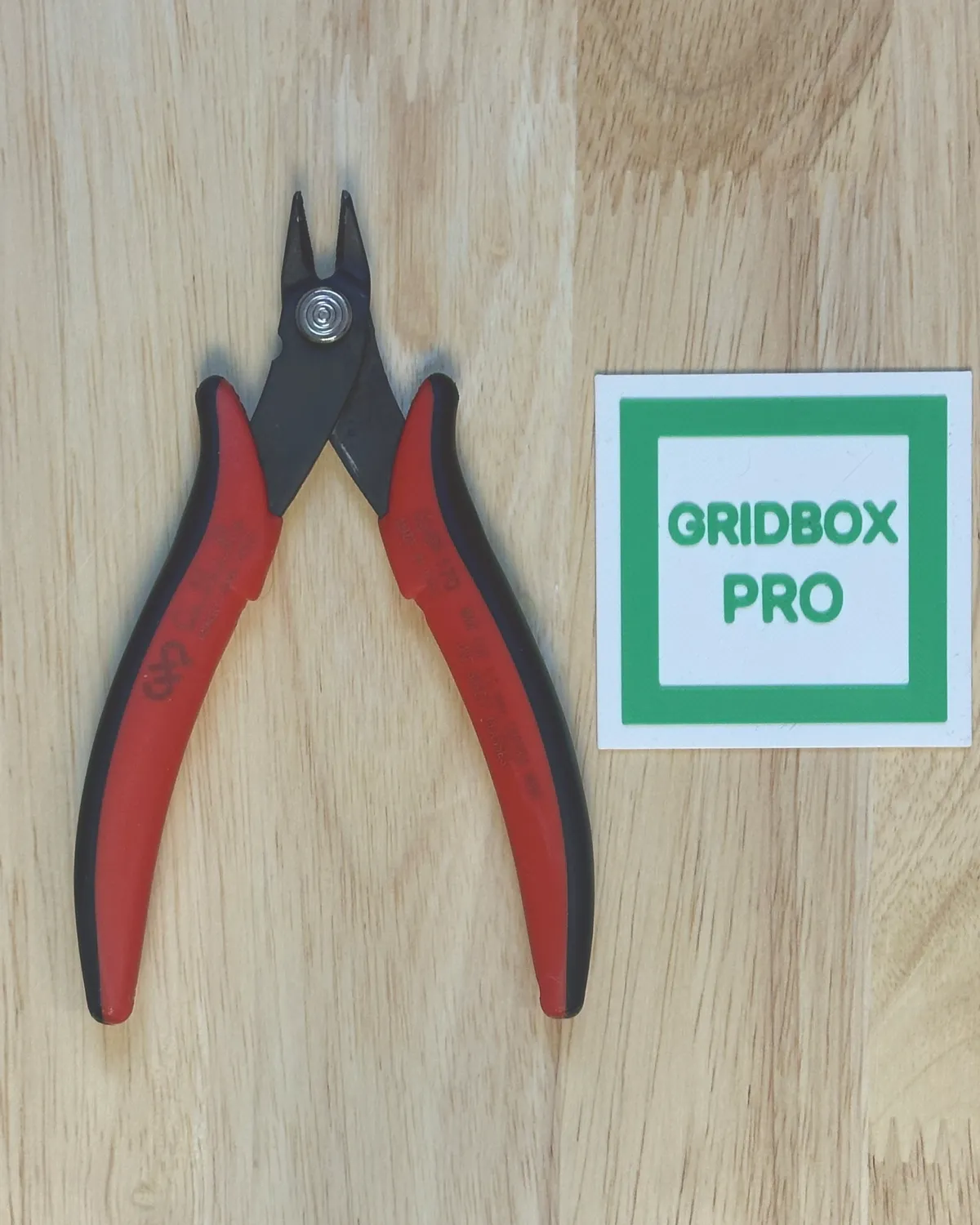
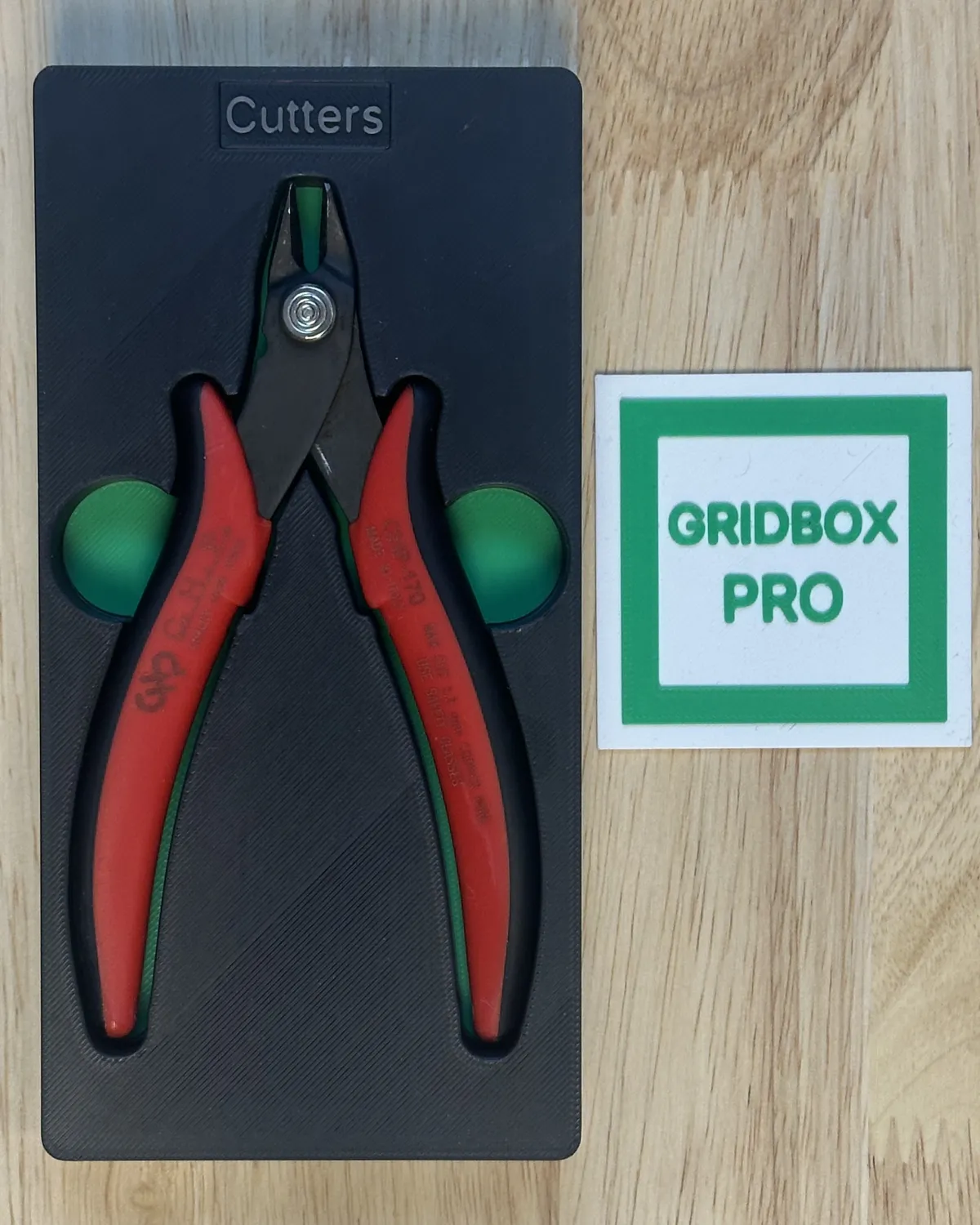
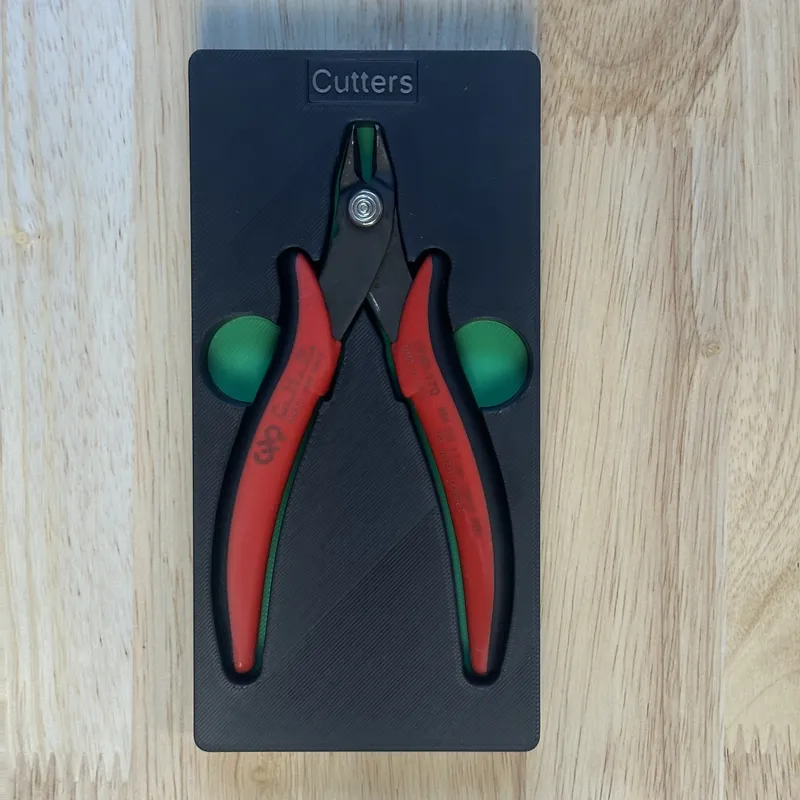
Wire cutters lying next to the printed scaler tile, photographed from above The printed shadowbox with the same wire cutters in it, photographed from the same spot Your photoYour print

It takes three steps to get from a photo to a cutout that fits.

Take a photo

Set the tool next to the scaler tile and shoot from straight above.
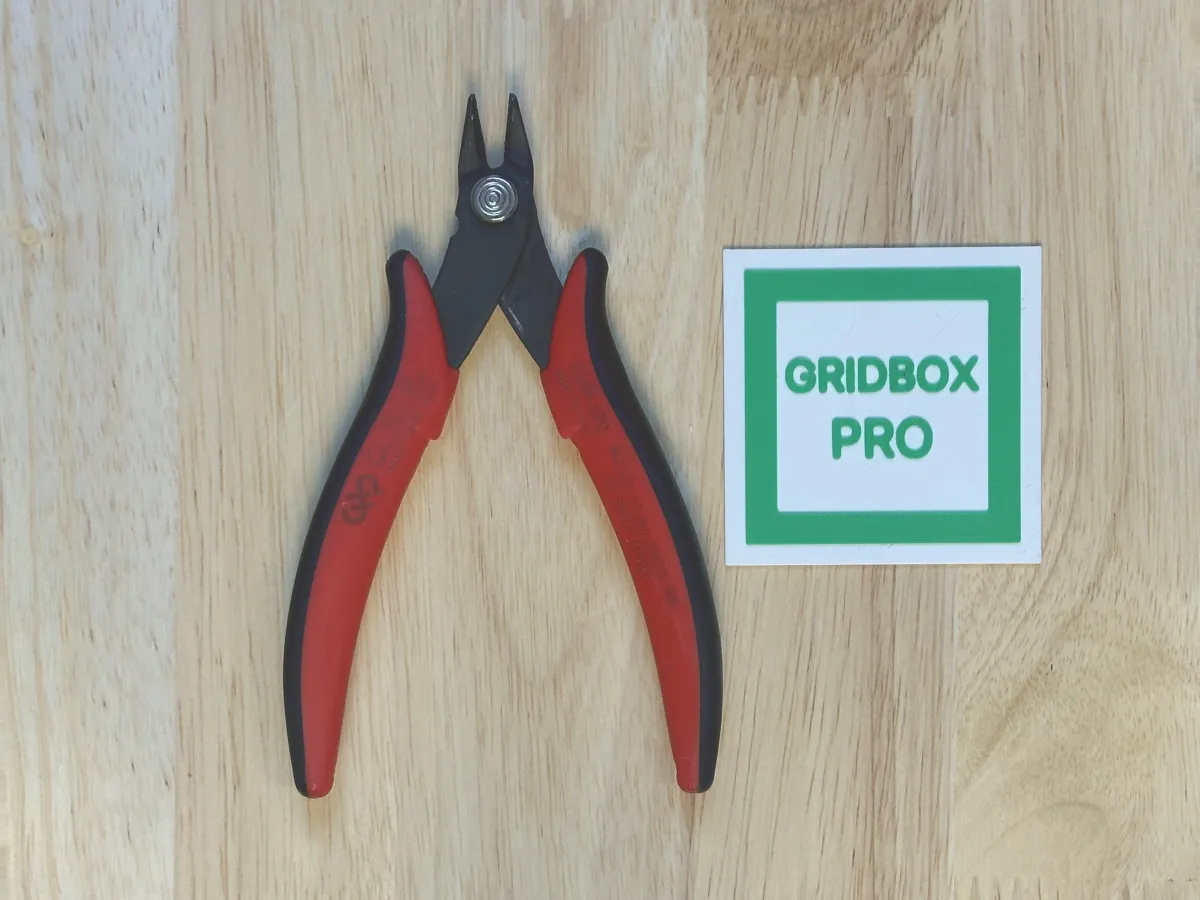
Wire cutters lying next to the printed scaler tile, photographed from straight above

Check the outline

Auto trace draws it, and you can edit any point.

Print it

Send it to your slicer, and your tool drops right in.
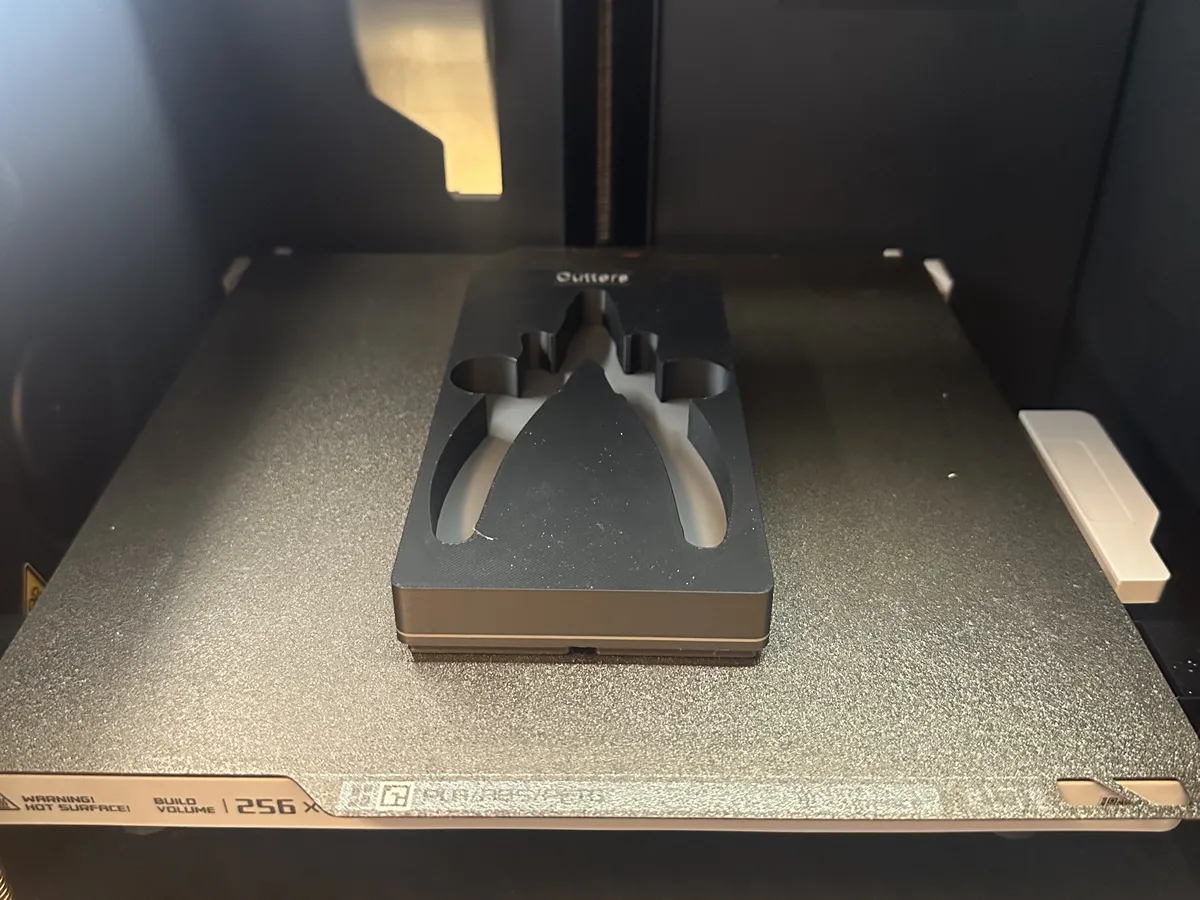
The finished wire cutters shadowbox on the print bed, still in the printer

The full guide, step by step

Take the guesswork out of every cutout.

Your calipers make the fit exact.

Use digital calipers to check before you print.
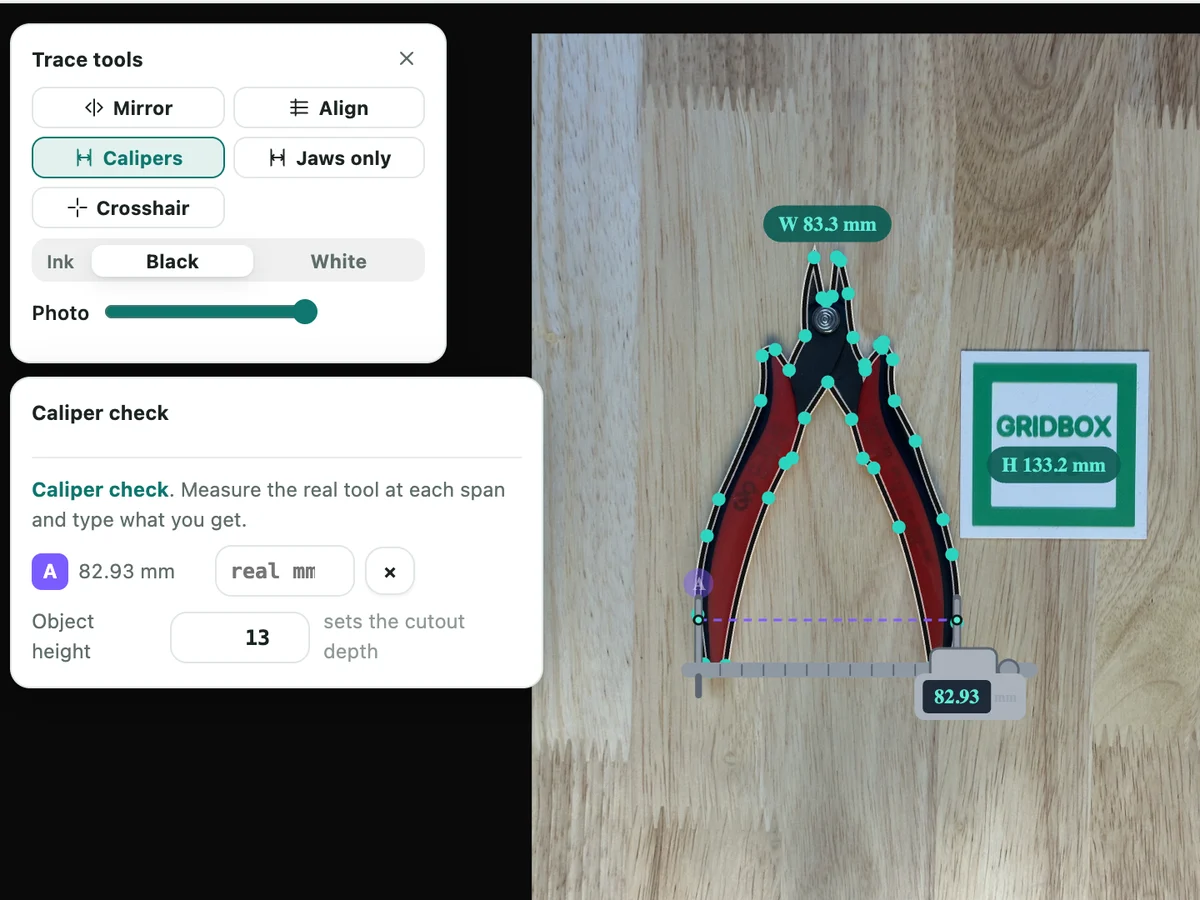
How the caliper check works

Gridbox Pro's Caliper check: a span across the wire cutters handles pinned as A, reading 83.28 mm, with a box to type what your real calipers read

Know it fits before you start the long print.

Print a quick ShadowFit test first. It takes a fifth of the time or less.
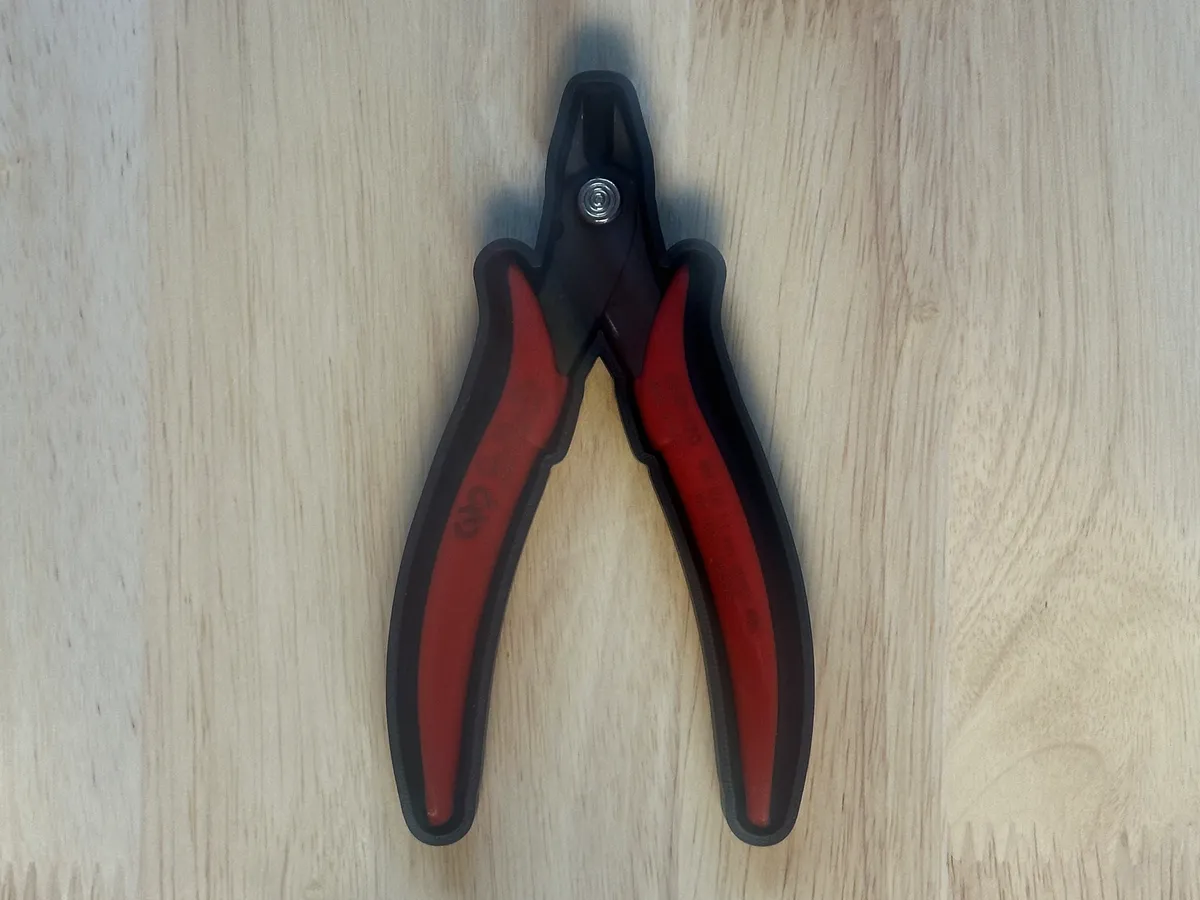
How ShadowFit works

A drawer bigger than your printer still gets one bin.

SnapSplit cuts it into pieces that fit your print bed, joined with printed pins or magnets.
Shape each cutout for the way you pick up the tool.

  • Finger holesOne at the edge, or a mirrored pair, so the tool lifts straight out.
  • Floor steps for tapered toolsThe floor rises under the thin end, so a screwdriver or file sits level.
  • Color platesA second color in the floor makes an empty spot stand out.
  • Edit any outlineDrag a point, curve a line, or trace half a tool and mirror the rest.
  • Posts inside a cutoutLeave a part standing, like the middle of a roll of tape.
  • Foam and cut filesA free 1:1 paper template, plus SVG and DXF files with the Commercial license.

Get a photo that traces clean.

  • Shoot from straight above.An angled shot gives you an angled cutout.
  • Get high and zoom in.Hold the phone as high as you can, zoom in at least 2x and keep the tool in the middle.
  • Use soft light.A hard shadow can look like part of the tool.
  • One tool per photo.A tool in the middle of its own photo gets the closest fit.
  • Print the scaler tile once.The scale sets itself in every photo, and a sheet of paper works too.
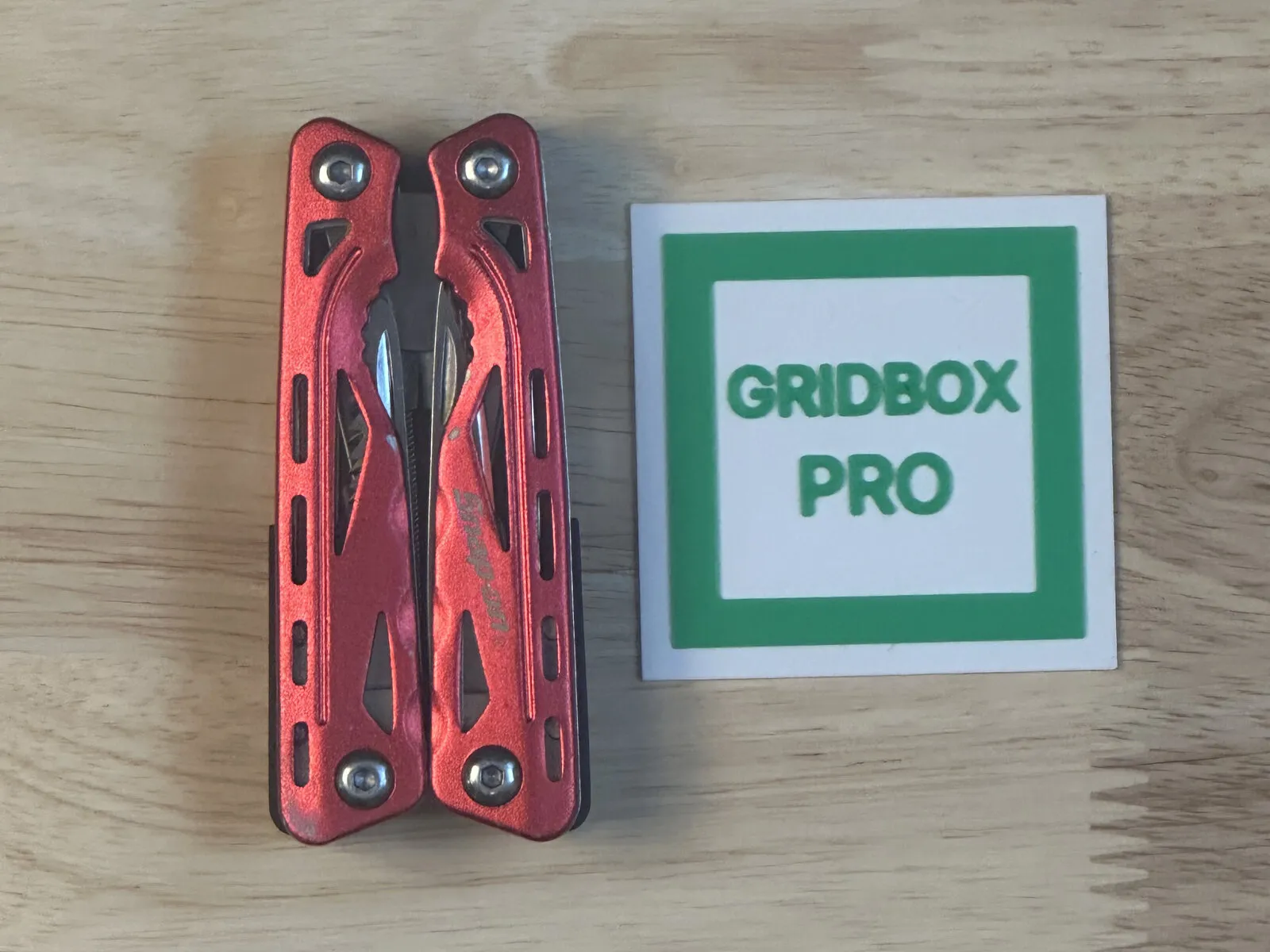
A red multitool lying flat next to the printed Gridbox Pro scaler tile, shot from straight above

Questions

Does it work with a phone photo?

Yes. Any phone camera works. Take the picture from straight above in soft light, then open it in Gridbox Pro on your computer.

Do I need the scaler tile?

It's the quickest way. Print it once from the app for free, set it next to the tool, and Gridbox Pro sets the scale on its own. A sheet of paper works too.

Can one shadowbox hold several tools?

Yes. After the first tool, add the next one from a new photo or the same one, and Auto trace skips the tools you've already cut.

Are my photos uploaded anywhere?

No. Auto trace runs on your computer, and your photos stay there.

Is it free?

Designing is free and doesn't need an account. When you're ready to export, it's $130, one time, at launch.

Does it work on Windows?

Yes. Gridbox Pro runs on Macs with Apple silicon or Intel and on 64-bit Windows 10 or later.
Start with the drawer that bothers you most.

Download Gridbox Pro, take a photo of what goes in it, and see your shadowbox before you print anything.

Designing is free and doesn't need an account. When you're ready to export, it's $130, one time, at launch.